How to Use Mobile Proxies for Instagram Automation (Safely)
Instagram’s anti-bot algorithms have evolved from simple rate-limiting to sophisticated behavioral analysis backed by device fingerprinting and IP reputati…
In this article
- The Technical Advantage of Mobile Proxies Over Datacenter IPs
- Understanding IP Trust Scores
- Selecting the Right Mobile Proxy Provider
- Configuration: Mimicking Human Behavior on Mobile Networks
- Setting Up Multi-Account Browsers
- Example: Python Automation with Selenium and Mobile Proxies
- Avoiding the "Action Blocked" Flag
- Comparison of Proxy Types for Instagram Automation
- Managing Session Cookies and Authentication
- Recommended Deals
- Geographic Targeting and Latency
- Scaling to Hundreds of Accounts
- FAQs on Mobile Proxies for Instagram
- Why are mobile proxies more expensive than residential proxies?
- Can I use the same mobile proxy for multiple Instagram accounts?
- How often should I rotate my mobile IP?
- Do mobile proxies prevent all bans?
- Conclusion
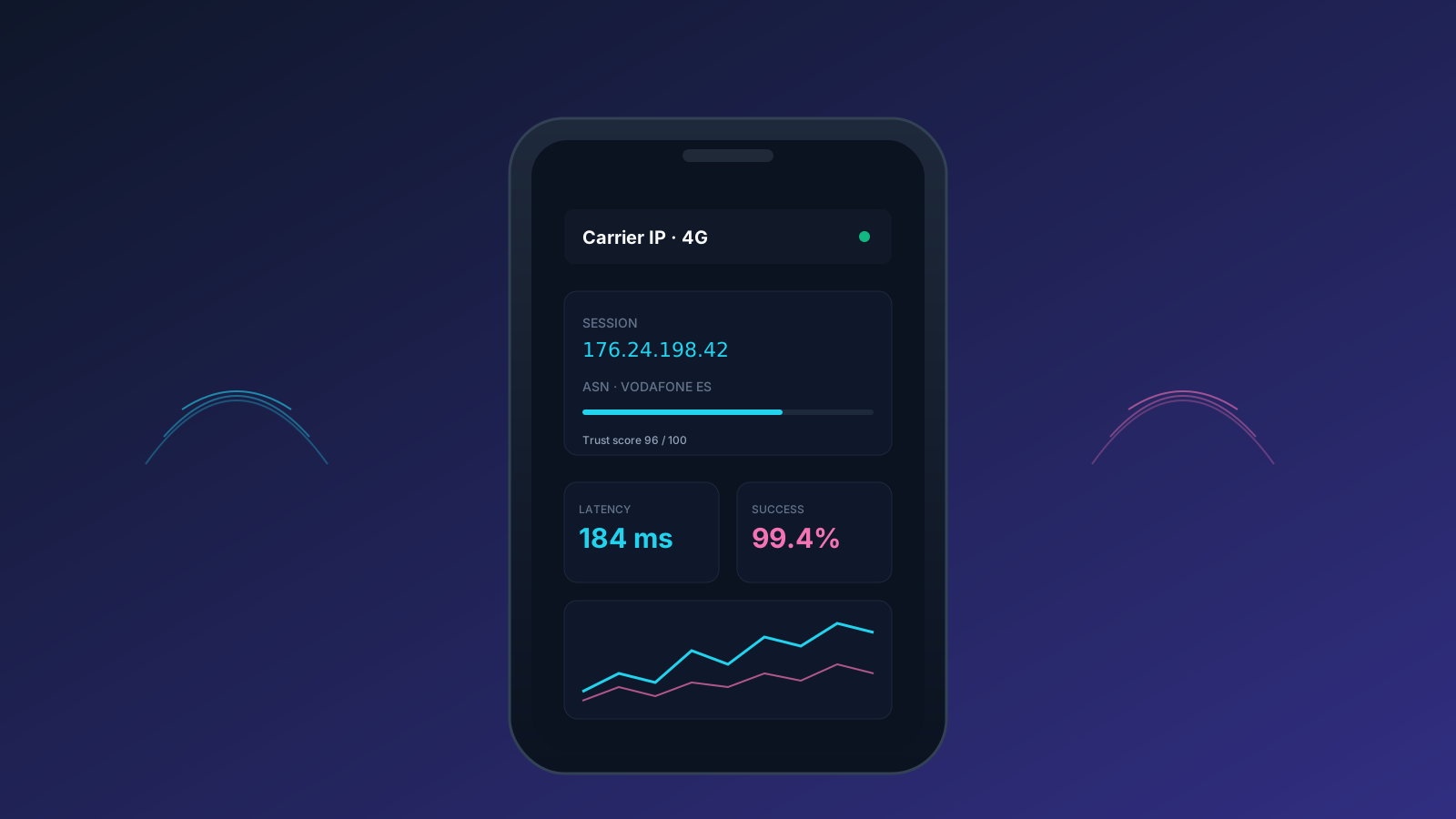
Instagram’s anti-bot algorithms have evolved from simple rate-limiting to sophisticated behavioral analysis backed by device fingerprinting and IP reputation scoring. If you are managing multiple accounts for growth, engagement, or market research, the infrastructure you choose determines whether your accounts thrive or face immediate "Confirm your Identity" loops. The gold standard for this task is the use of mobile proxies for Instagram, leveraging the CGNAT (Carrier Grade Network Address Translation) architecture used by mobile carriers.
In this guide, we will break down the technical nuances of mobile IP rotation, how to configure your automation stack to mimic human behavior, and why residential proxies—while useful—often fall short of the trust scores provided by 4G/5G mobile networks.
The Technical Advantage of Mobile Proxies Over Datacenter IPs
Datacenter IPs are easily identified by their Subnet and Autonomous System Number (ASN). When Instagram sees a login from a known AWS or DigitalOcean range, it immediately lowers the trust threshold for that account. Mobile proxies, however, utilize IPs assigned to real cellular towers by providers like Verizon, Vodafone, or AT&T.
Because hundreds of legitimate users share a single mobile IP via CGNAT, Instagram cannot easily ban a mobile IP without affecting thousands of real customers. This inherent "anonymity in a crowd" is what makes mobile proxies for instagram the most resilient choice for automation.
Understanding IP Trust Scores
IP reputation is calculated based on history and source. While you can find a 1.99 trial for 100MB to test initial connectivity, the long-term goal is maintaining a high "Trust Score." Services like Bright Data and Oxylabs provide massive pools of mobile IPs that rotate on demand, ensuring your automation fingerprints never become stale or associated with a single static address.
Text alternative
graph TD
    A[Automation Script] --> B[Proxy Provider]
    B --> C{IP Type Selection}
    C -->|Datacenter| D[Low Trust - High Ban Risk]
    C -->|Residential| E[Medium Trust - Moderate Risk]
    C -->|Mobile 4G/5G| F[High Trust - Low Risk]
    F --> G[Instagram Servers]
    G --> H[Action Approved]
    D --> I[Action Blocked/PV]
Selecting the Right Mobile Proxy Provider
Not all mobile proxies are created equal. The market ranges from DIY Raspberry Pi setups to enterprise-grade networks. When evaluating a provider, look for those offering dedicated 4G/5G infrastructure with raw 3GPP protocols rather than simple HTTP tunneling.
- Smartproxy: Offers a massive pool of mobile IPs with excellent targeting capabilities.
- IPRoyal: Known for providing high-quality, ethically sourced mobile proxies with long session durations.
- SOAX: Specializes in granular targeting by city and carrier, which is crucial for local business automation.
- Bright Data: The industry leader in volume and technical features like legal compliance monitoring.
For those just starting, exploring advanced proxy rotation techniques can help you maximize the efficiency of your pool without triggering CAPTCHAs.
Configuration: Mimicking Human Behavior on Mobile Networks
Simply having a mobile IP isn't enough; your software must "look" like a phone. This involves managing User-Agents, WebGL fingerprints, and Canvas noise.
Setting Up Multi-Account Browsers
Tools like AdsPower, Dolphin{anty}, or GoLogin allow you to create isolated browser profiles. Each profile should be assigned a specific mobile proxy. When configuring these:
- Resolution: Stick to common mobile screen sizes (e.g., 390x844 for iPhone 13).
- OS Match: If your proxy is a mobile IP, your User-Agent should be a mobile browser (Chrome for Android or Safari for iOS).
- Hardware Concurrency: Limit this to 2, 4, or 8 to match real SoC (System on Chip) specs.
If you are scaling, you might find that using a 25% off residential proxies coupon is a cost-effective way to handle low-risk tasks like scraping, while reserving expensive mobile IPs for high-value engagement and posting.
Example: Python Automation with Selenium and Mobile Proxies
To integrate a mobile proxy into your Python automation script, you can use the selenium-wire library to handle authentication.
from seleniumwire import webdriver

# Configure mobile proxy settings
proxy_options = {
    'proxy': {
        'http': 'http://user:pass@mobile-gateway.proxyprovider.com:port',
        'https': 'https://user:pass@mobile-gateway.proxyprovider.com:port',
        'no_proxy': 'localhost,127.0.0.1'
    }
}

# Set Mobile User-Agent
options = webdriver.ChromeOptions()
options.add_argument('--user-agent=Mozilla/5.0 (iPhone; CPU iPhone OS 15_0 like Mac OS X) AppleWebKit/605.1.15 (KHTML, like Gecko) Version/15.0 Mobile/15E148 Safari/604.1')

driver = webdriver.Chrome(options=options, seleniumwire_options=proxy_options)
driver.get('https://www.instagram.com')
Avoiding the "Action Blocked" Flag
Instagram tracks the "velocity" of actions. Even with the best mobile proxy, performing 500 likes in 10 minutes will result in a ban. The key is simulating natural human "downtime."
- Sleep Intervals: Always vary the time between actions. Instead of
time.sleep(60), usetime.sleep(random.uniform(45, 95)). - Account Warm-up: New accounts should start with very low activity (e.g., 5-10 actions per day) and gradually scale over 3-4 weeks.
- Action Ratios: Maintain a healthy ratio of scrolling, viewing stories, and liking. Purely posting or purely following is a red flag.
For more information on high-quality IP sources, refer to these advanced mobile proxy listings which detail carrier-specific options.
Comparison of Proxy Types for Instagram Automation
| Feature | Datacenter Proxies | Residential Proxies | Mobile (4G/5G) Proxies |
|---|---|---|---|
| Trust Score | Very Low | High | Highest |
| Detection Risk | Immediate | Low | Minimal |
| Price Point | $0.50 - $2.00 / IP | $3 - $15 / GB | $40 - $120 / Month |
| Best For | Generic Scraping | Account Creation | Persistent Management |
| Rotation | Static usually | Per Request / Session | On-demand / Carrier reset |
Using a high-performance mobile IP ensures that your session remains active even if the Instagram server initiates a periodic security check.
Managing Session Cookies and Authentication
One of the biggest mistakes in Instagram automation is repeated logins. Every time you log in with a username and password, you increase the risk of a checkpoint. Instead, you should focus on Session Persistence.
- Cookie Export/Import: Once a session is established on a mobile proxy, save the cookies. Reuse these cookies for all subsequent interactions.
- Persistent Profiles: Using multi-login tools ensures that the browser local storage and IndexedDB remain consistent, just like a real mobile app.
For those running extensive scraping operations, reliable residential IPs can be used to harvest public data, while your mobile proxies handle the actual account interactions to keep the "master" accounts safe.
Recommended Deals
Optimize your automation budget with these verified offers from our partners:
- 1.99 Trial for 100MB — Perfect for testing the speed and latency of mobile IP pools before a full commitment.
- 25% Off Residential Proxies — High-quality residential IPs ideal for large-scale data scraping and account warm-ups.
Geographic Targeting and Latency
When choosing mobile proxies for Instagram, geographic consistency is vital. If your account was created in New York, suddenly logging in from a London mobile IP will trigger a security alert.
- City-Level Targeting: Use providers like Smartproxy or SOAX to pin your IP to a specific metropolitan area.
- Timezone Matching: Ensure your system time matches the geographic location of your IP. A mismatch is a simple way for Instagram to detect automation.
- Latency Considerations: Mobile networks naturally have higher latency than fiber. Do not optimize your scripts for speed; a 200ms-500ms delay is actually more realistic for a mobile device.
To understand more about how geographic data impacts your proxy performance, check out these VPS and proxy technical reviews for deep-dives into provider infrastructure.
Scaling to Hundreds of Accounts
Scaling requires a shift from individual proxy management to an automated infrastructure. This usually involves:
- Proxy Orchestrators: Software that automatically rotates mobile IPs via API calls to the provider.
- Device Farms: Using real physical Android devices connected to 4G dongles, managed by tools like Scrcpy or Appium.
- Headless Browsing: While riskier, using
playwrightwith properly spoofed headers and a mobile proxy can significantly reduce server costs compared to full GUI browsers.
If you are just starting your scaling journey, read our guide on choosing the right proxy infrastructure to avoid common pitfalls in resource allocation.
FAQs on Mobile Proxies for Instagram
Why are mobile proxies more expensive than residential proxies?
Mobile proxies require actual physical SIM cards and cellular hardware. Providers must pay for mobile data plans, which are significantly more expensive than home broadband. Additionally, the trust score provided by mobile IPs is much higher, commanding a premium price for users who need to avoid bans.
Can I use the same mobile proxy for multiple Instagram accounts?
Yes, but with caution. On a standard mobile carrier, hundreds of people share an IP. You can safely run 3-5 accounts per mobile IP, provided you aren't performing heavy actions on all of them simultaneously. If you are doing mother-child growth, it is better to have a larger pool.
How often should I rotate my mobile IP?
For Instagram, it is best to keep a session for as long as possible (sticky sessions). Frequent IP jumps during a single session can look suspicious. Ideally, rotate your IP only when you start a new session or every 12-24 hours to simulate a user moving through different cell towers.
Do mobile proxies prevent all bans?
No. Mobile proxies solve the "IP Reputation" problem. You can still get banned for poor content, aggressive spamming, or failing to properly spoof your browser fingerprints. Think of a mobile proxy as the sturdy foundation of a house; you still need good architecture (your automation logic) to keep it standing.
Conclusion
Successfully using mobile proxies for Instagram requires a balance between technical configuration and behavioral simulation. By leveraging the high trust scores of 4G/5G networks and combining them with multi-account browsers and randomized action logic, you can scale your Instagram presence without the constant fear of account loss. Always remember to prioritize quality over quantity when selecting your proxy pool.
Ready to secure your automation stack? Browse our full list of proxy and VPN coupons to find the best deals on enterprise-grade mobile and residential networks.
Get the weekly ProxyPromo brief
Fresh deals, hand-tested codes and honest reviews — every Friday. No spam.



