fingerprintprivacy
Browser Fingerprint Protection: How Antidetect Browsers Work
A clear technical guide to browser fingerprinting — Canvas, WebGL, WebRTC, fonts — and how antidetect browsers defeat it.
P
ProxyPromo Editors
July 16, 2026 · 1 min read
In this article
Browser Fingerprint Protection: How Antidetect Browsers Work
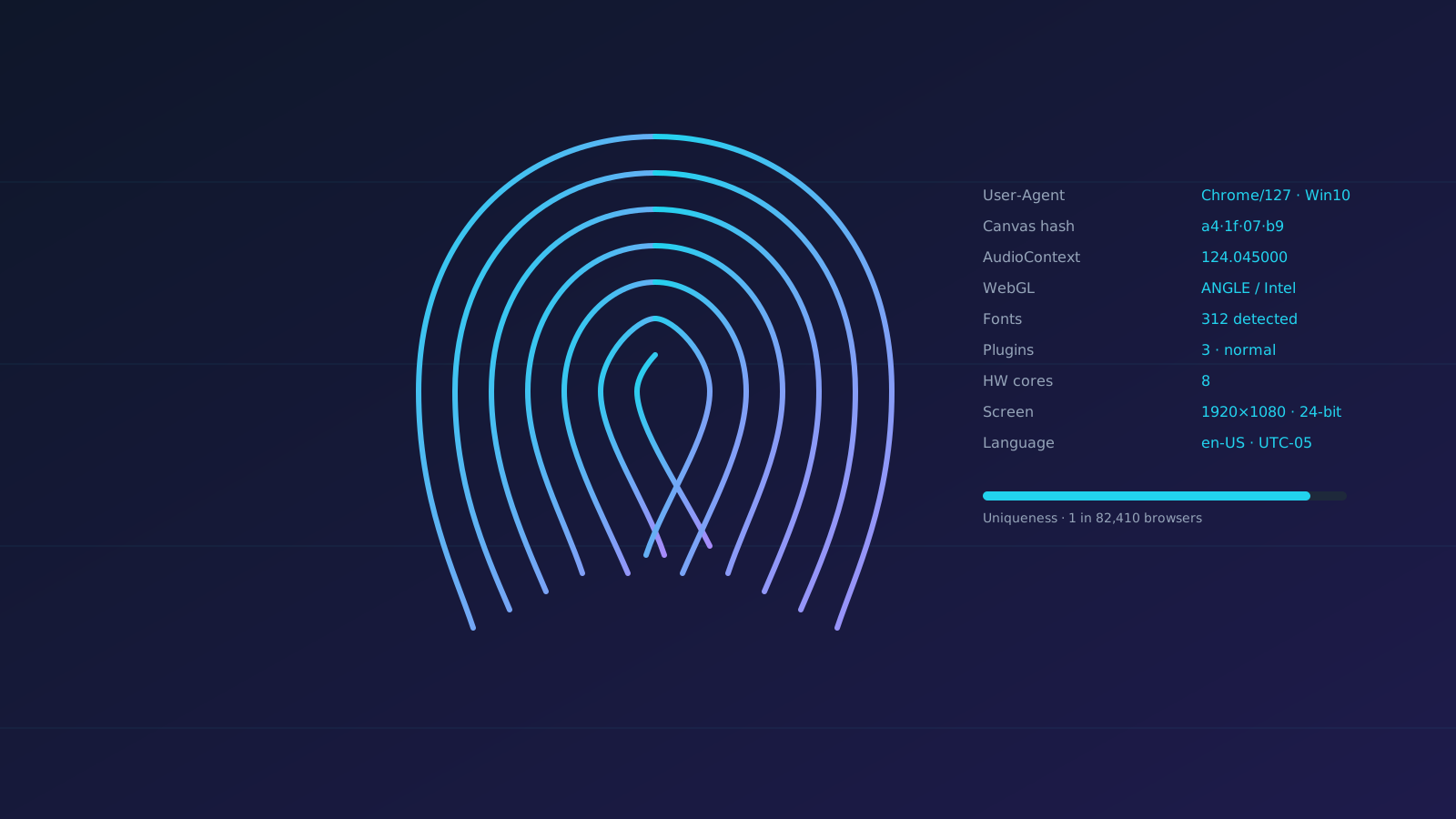
Every browser leaks dozens of signals websites combine into a unique fingerprint. Clearing cookies doesn't help. Here's what's tracked and how to hide it.
What websites collect
- Canvas fingerprint — pixel-level rendering differences
- WebGL fingerprint — GPU signature
- WebRTC — real local + public IP leak
- AudioContext — audio stack signature
- Fonts, screen size, timezone, language
- User-Agent + Client Hints
How antidetect browsers defeat it
They spoof each signal per profile with values from a real device database, keep them consistent, and route traffic through a matching proxy.
Signals to verify
Test each profile on:
browserleaks.compixelscan.netiphey.com
A good antidetect browser scores "consistent" across all three.
FAQ
Can incognito mode replace an antidetect browser?
No — incognito only clears cookies; your fingerprint stays the same.
Do VPNs hide fingerprints?
No, only IPs. You still need a fingerprint spoofer.
P
Written by
ProxyPromo Editors
Independent, engineer-written coverage of proxies, VPNs and SEO tooling. Every code we publish is manually tested.
Get the weekly ProxyPromo brief
Fresh deals, hand-tested codes and honest reviews — every Friday. No spam.



